Voice mode
Talk to it, and have it answer out loud.
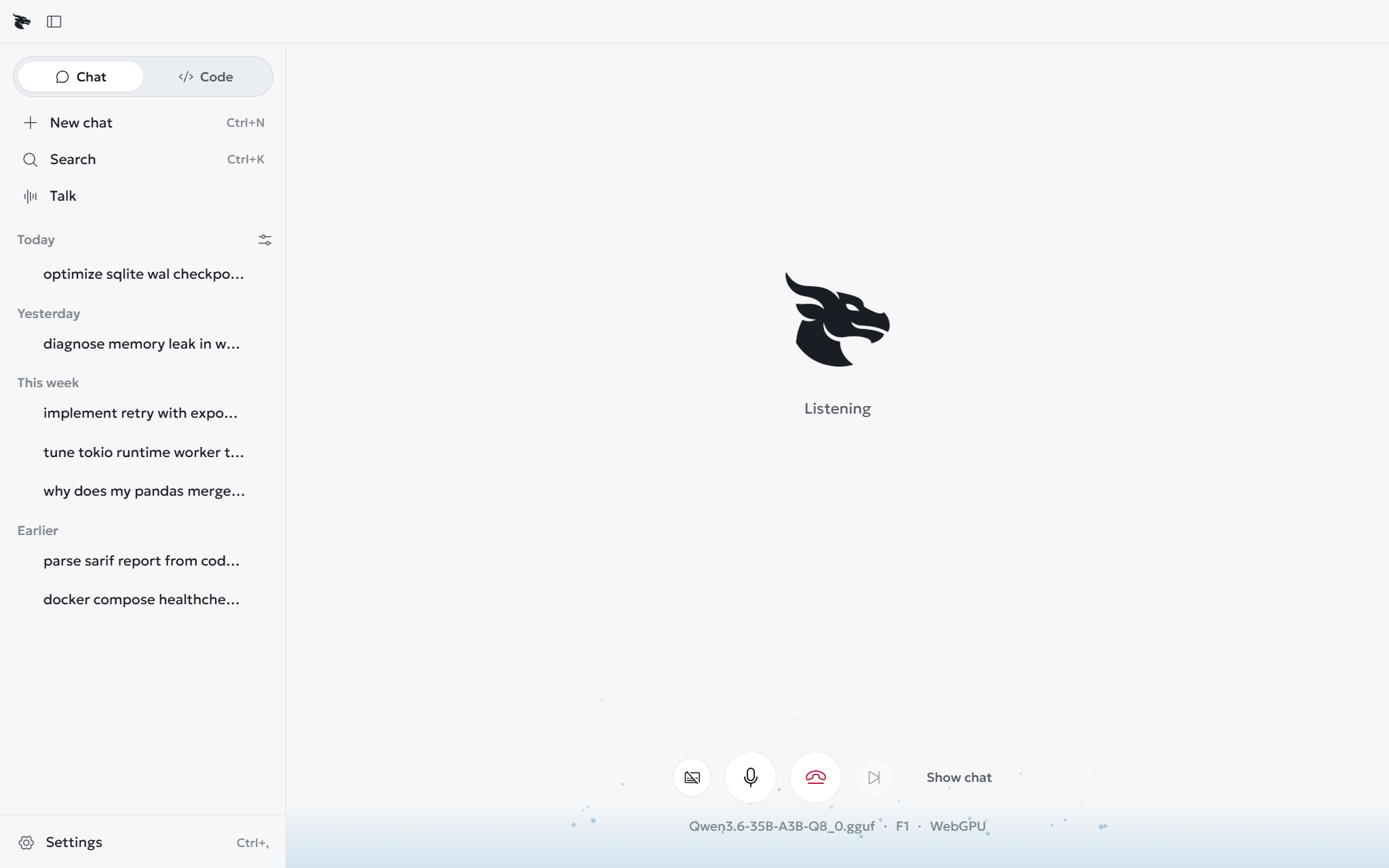
Talk in the Chat sidebar is a spoken conversation, not dictation. It listens continuously, works out when you have finished, answers out loud, and lets you cut in.
Use a headset, so the microphone does not pick up its own voice.
Keys#
| Key | Action |
|---|---|
Esc |
End the conversation |
Space |
Mute or unmute the microphone |
Use the buttons on the Talk screen to skip the reply or show the transcript.
Voices#
Basic uses the voices your operating system provides. Natural is a neural voice that runs on your computer. It is downloaded from Hugging Face the first time, and speaks English, French and Spanish. Speed has four steps: 0.9x, 1x, 1.1x and 1.25x. Chinese keeps the system voice.
Cloud sends the reply text, and not your speech, to OpenAI or Google Gemini, so that provider's voice can speak it. You agree to each provider first. If a cloud voice fails mid-reply, a local voice finishes it.
Listening runs on your machine, with Whisper base, or Moonshine base for English. Your audio is not uploaded.
When it goes wrong#
- It interrupts itself. Its own voice is reaching the microphone. Use headphones.
- It is slow. The Talk screen shows the reply time in milliseconds. If it stays high, try a smaller talk model.
- "Basic detection". The neural speech detector did not load, so a simpler one is in use.