Extensions and skills
MCP servers, remote servers, and a library of 572 skills.
Draggy speaks the Model Context Protocol, so it can borrow tools from servers other people wrote. Settings → Extensions has Servers, Remote and Skills.
What a server actually is#
A program. Draggy installs it with npm into its own folder and runs it directly, on your machine, as you, with whatever credentials you typed in. Install scripts are refused and no shell is involved.
No server is on by default, and every entry names the exact package with a link to npm. Switch one on only if you would run that package from a terminal.
The catalogue#
107 servers: GitHub, GitLab, Sentry, Slack, Notion, Linear, Jira, PostgreSQL, MySQL, MongoDB, Kubernetes, Cloudflare, Stripe and more. Search the registry for anything else.
Remote servers run somewhere else and are reached over HTTPS. A local server also sends requests to the service it works with, such as GitHub. Remote servers sign in with OAuth and PKCE.
Skills#
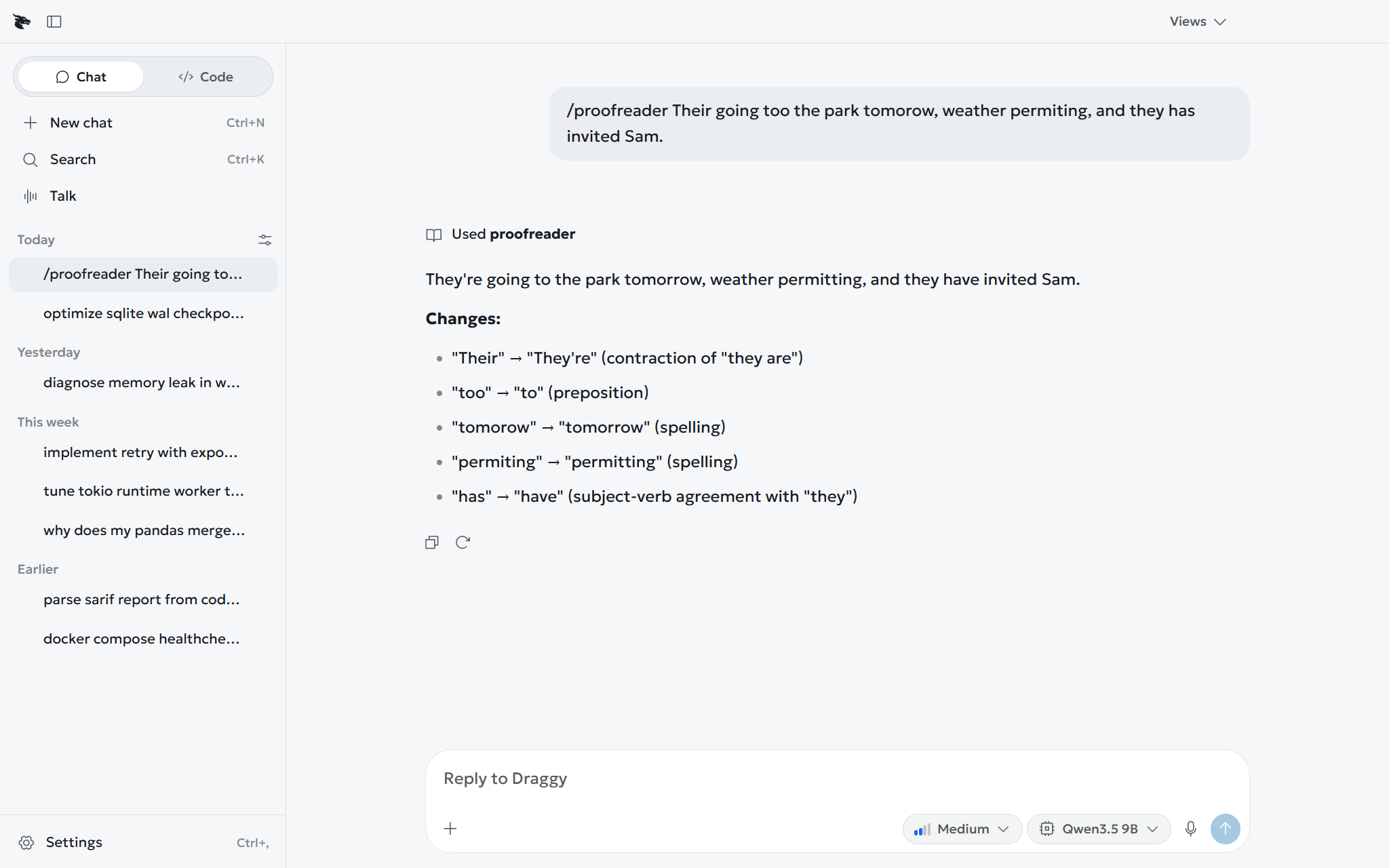
A skill teaches the model how a job is done. 572 ship with Draggy, with 50 on by default. Type / and its name to run one, or leave it to the model.
A skill is a folder with a SKILL.md in it:
---
name: weekly-report
description: Writes the Friday status report from the week's notes. Use when the user asks for the weekly report.
---

# Weekly report

1. Ask for the week's notes if they are not in the conversation.
2. Sort every item into Done, In progress, Blocked or Next week.
The description is the only part the model sees when choosing, so make it say when to use the skill. Put yours in Draggy's skills folder, or in .draggy/skills/ inside a project so it can be committed. /skill-creator drafts one with you.