Projects
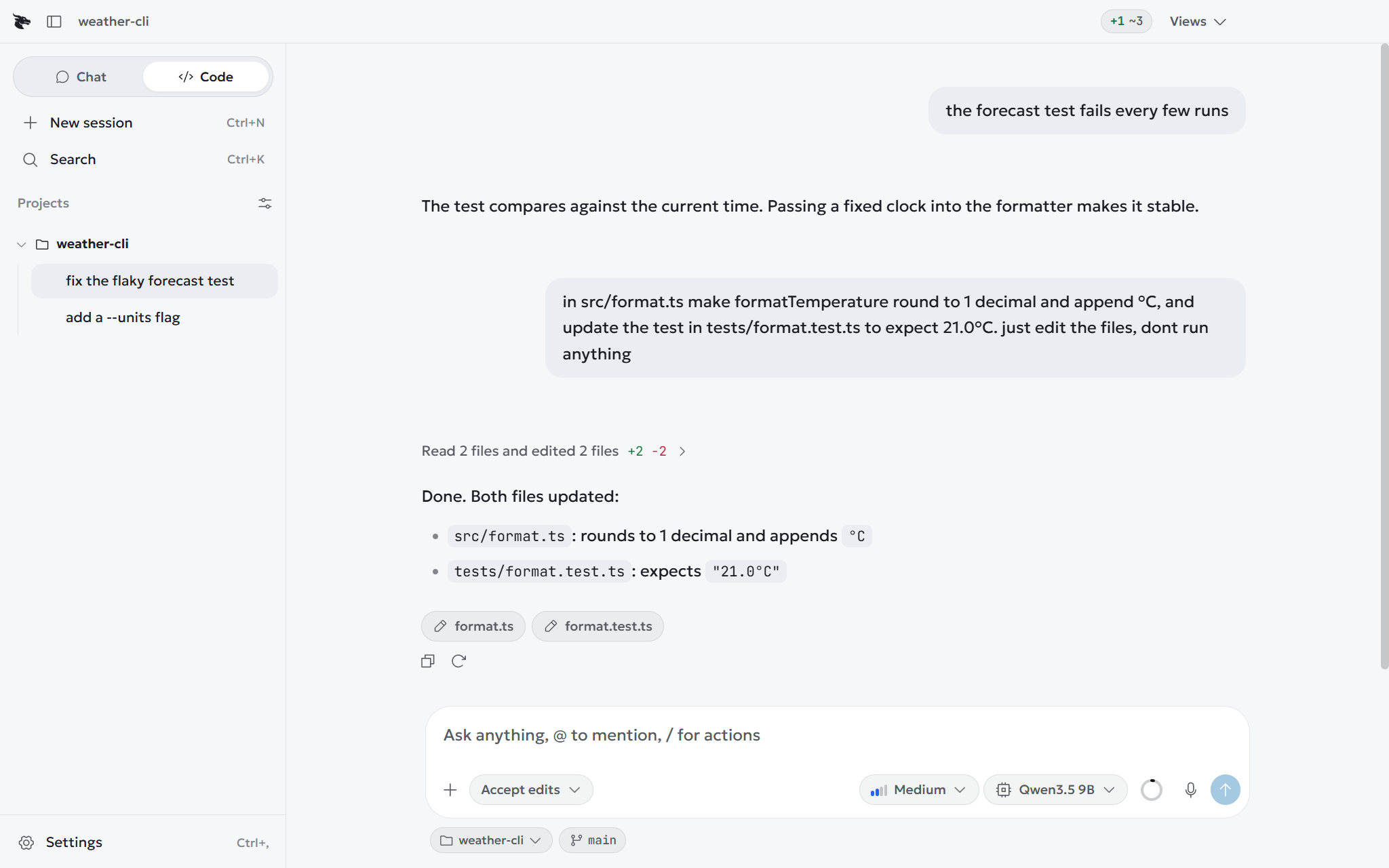
Give Code a folder. It reads, edits and runs commands there, and nowhere else.
A project is one folder Code works in. Every path is resolved with symlinks followed and then checked against that folder, so neither .. nor a link out of the tree gets anywhere else.
What is refused anyway#
- Folders such as
.ssh,.aws,.gnupg,.kube - Files such as
.env,id_rsa,.pem,.npmrc,credentials - Anything over 2 MB
Every change can be undone#
A step that changed a file shows a diff and an Undo button. The previous bytes are kept in Draggy's own folder, so undo works in a folder that is not a repository. A deleted file goes to the system trash.
The canvas#
Click a file in the tree and it opens beside the conversation: a code file in edit mode, or Markdown with an Edit and Preview toggle. The model's edits to the same file land in it as they happen.
Files in the sidebar shows the same tree full size, with rename, reveal and delete beside the editor.
Git#
In a repository, a strip under the tree shows the branch, what is unpushed, and what changed, with a Diff button per file. The Diff pane includes History and Branches tabs to inspect commits and switch local branches without leaving the app. The model reads through git_status, git_diff, git_log and git_branches, and can stage, unstage and commit with git_stage, git_unstage and git_commit, which ask first, as does switching branches. The read tools never commit or fetch, and they run with filters, external diff tools and fsmonitor switched off. A command the model runs with run_command can still run git commit or git fetch once you approve it.
Work summary#
When a multi-step task finishes, Draggy displays a work summary block showing the count of files created, modified and removed.
Project memory#
An AGENTS.md or DRAGGY.md at the top of the project is read before every reply. Put in it what someone new would need: how to run the tests, what not to touch, the house style. /init drafts one.